|
|
Some controllers may encounter PLANE disorder accompanied by bad bytes, such as HG2319, PS2251-19, SM3281, etc.
This will prevent users from proceeding with further processing.
Taking SM3281 as an example, the processing method adopted by NFT is as follows:
Step 1: Locate the PLANE with the smallest page structure and select its corresponding layout.
As shown in the screenshot: PLANE0 = 32+1146×16, PLANE1 = 32+1140×16. We shall choose the layout of 32+1140×16.
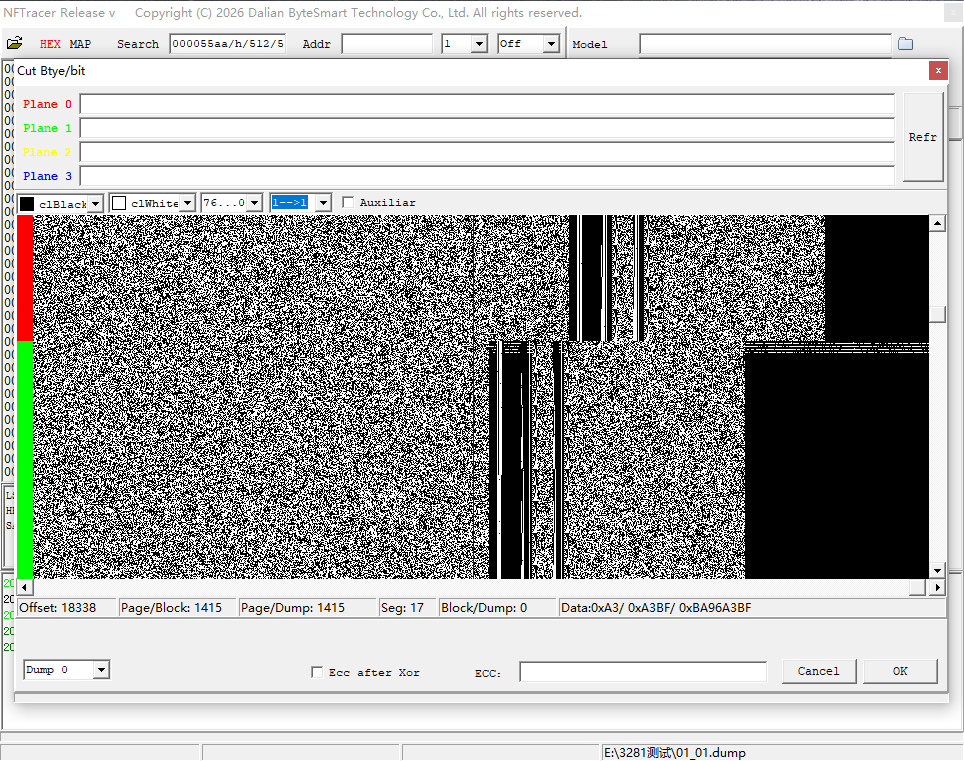
Step 2: Arbitrarily cut the bad bytes, only ensuring the offset corresponding to the SA part is correct, so that the block arrangement can compile successfully.
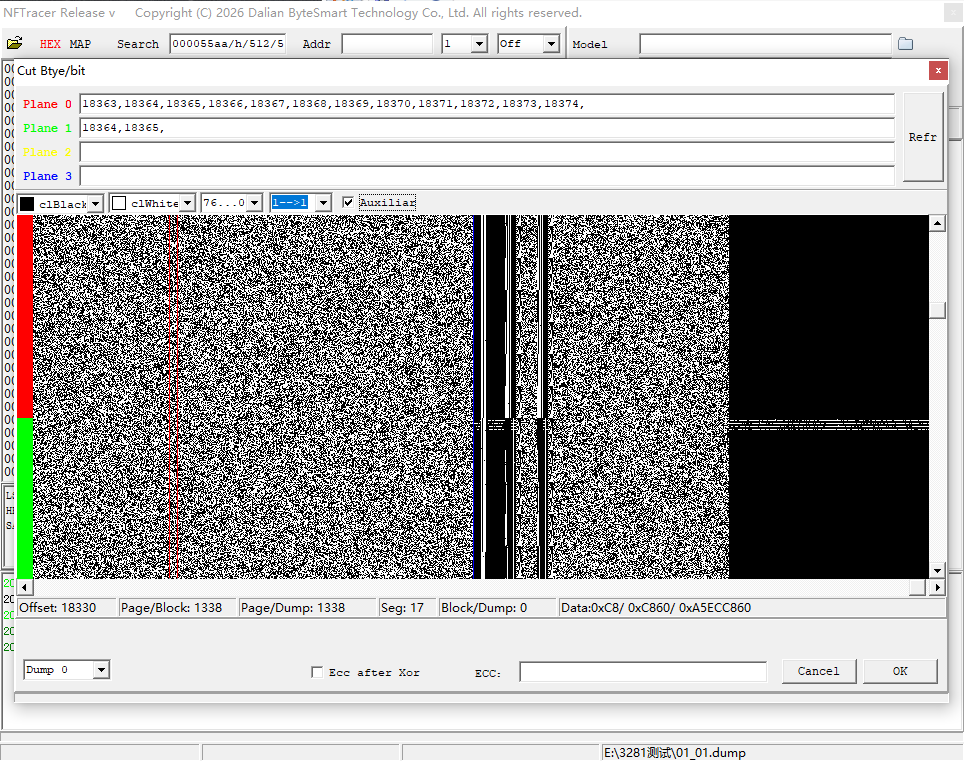
Step 3: Perform block sorting following normal mirror operations; synchronous configuration is usually required.
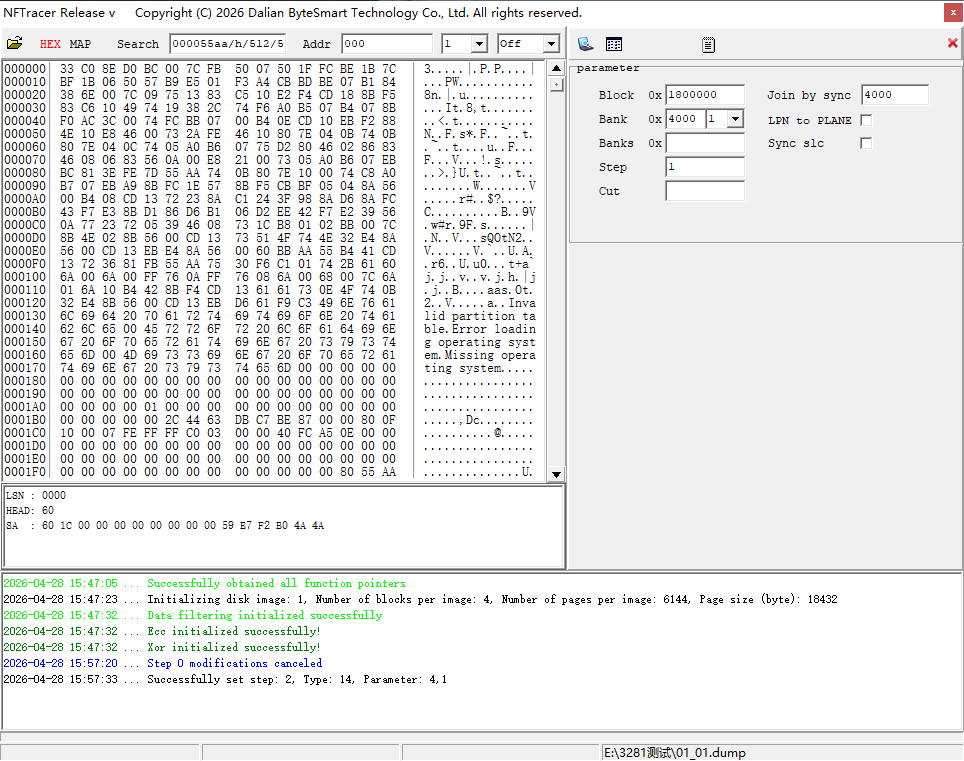
Step 4: After sorting is completed, adjust the conflict blocks, then save the block list file.
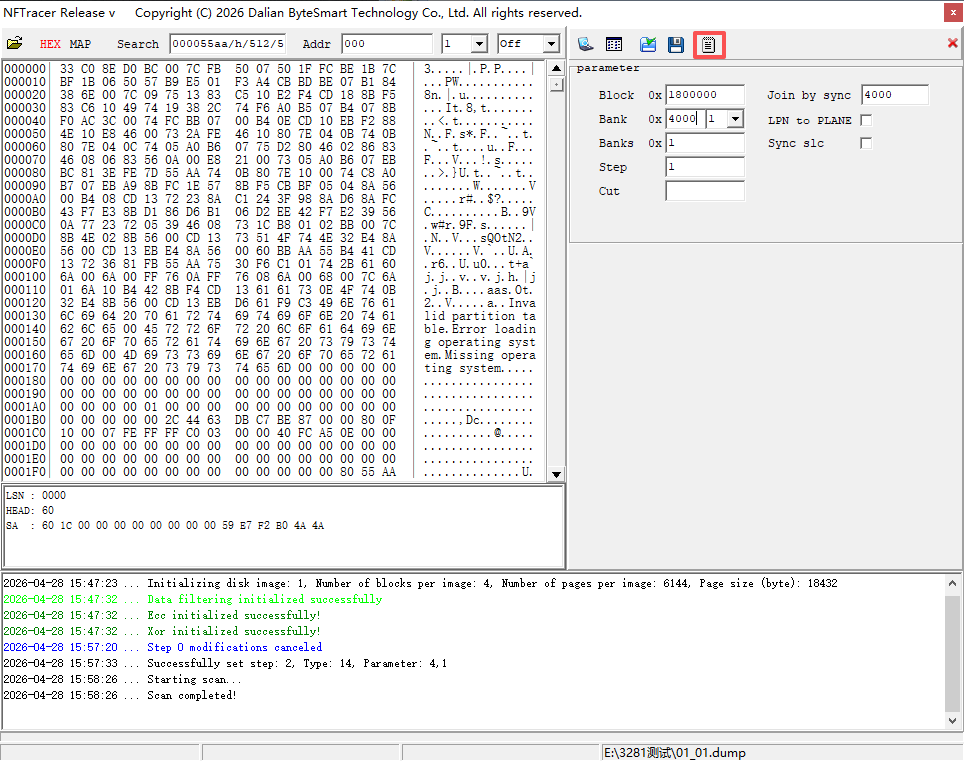
Step 5: After this step, clear all procedures or restart the program, then select custom XOR. Create an all-zero XOR key file with the size matching page × block.
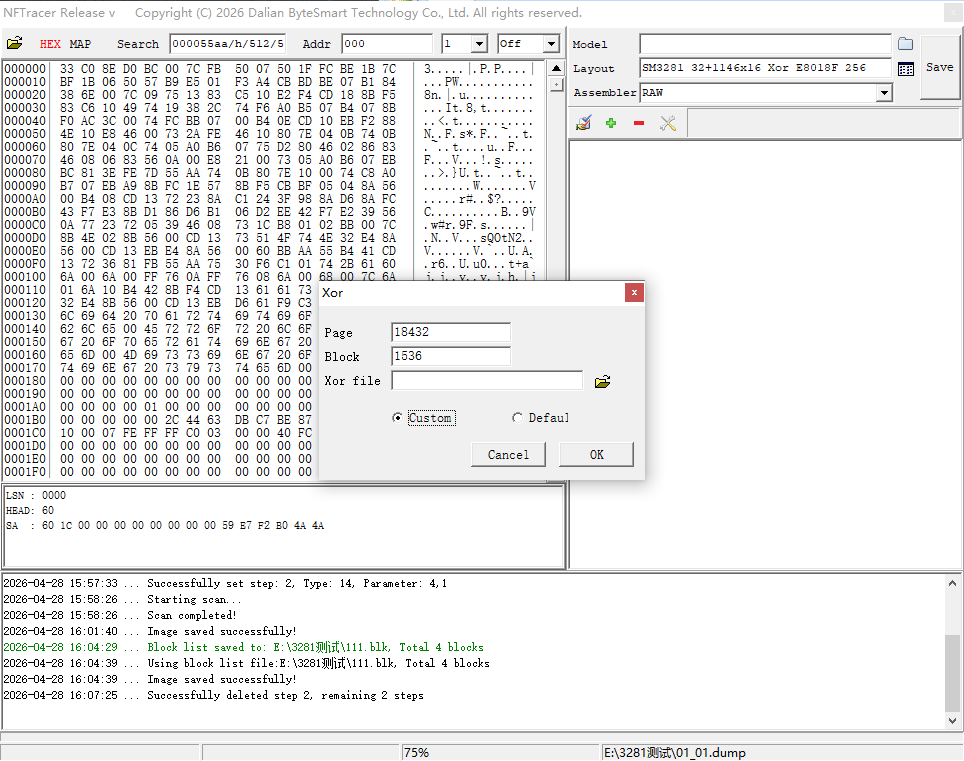
Step 6: On the main interface, select RAW Save Image. The system will prompt whether to use the block list file to save the image. Select Yes and choose the block list file you just saved. The program will reorganize the original disordered image based on the block sorting result and save it as a new image.
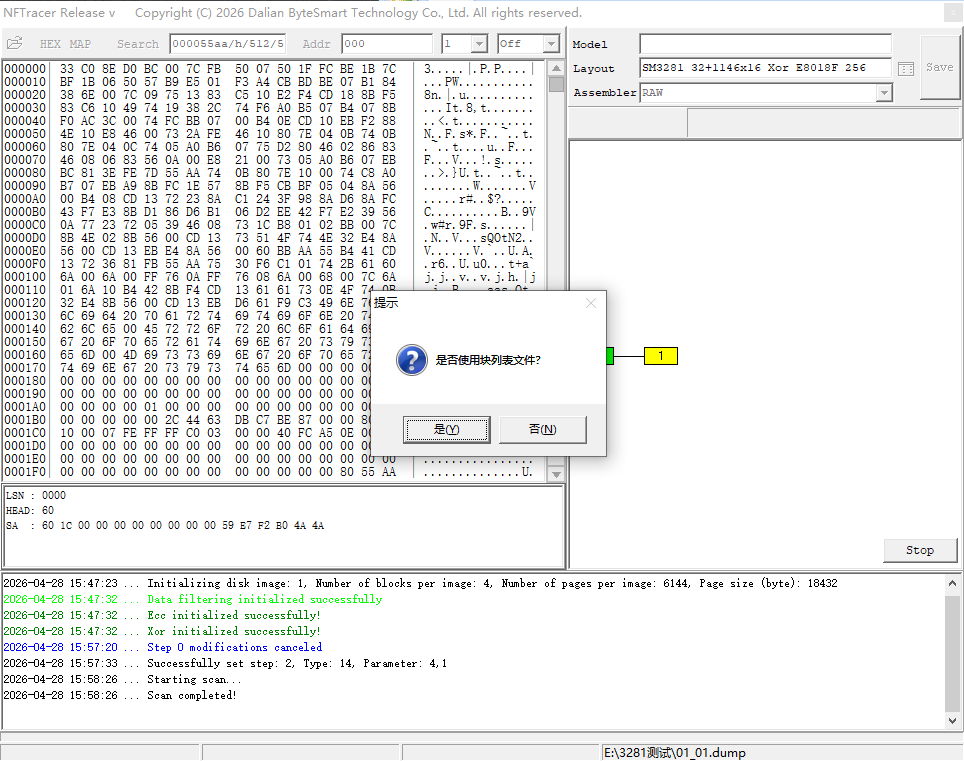
Step 7: Open the RAW saved image, and you will get a correct image with the PLANE order of 0, 1, 2, 3. You may then proceed with normal bad byte trimming and other subsequent operations.
|
|
 辽公网安备21020402001048 )

 发表于 2026-5-4 13:36:17